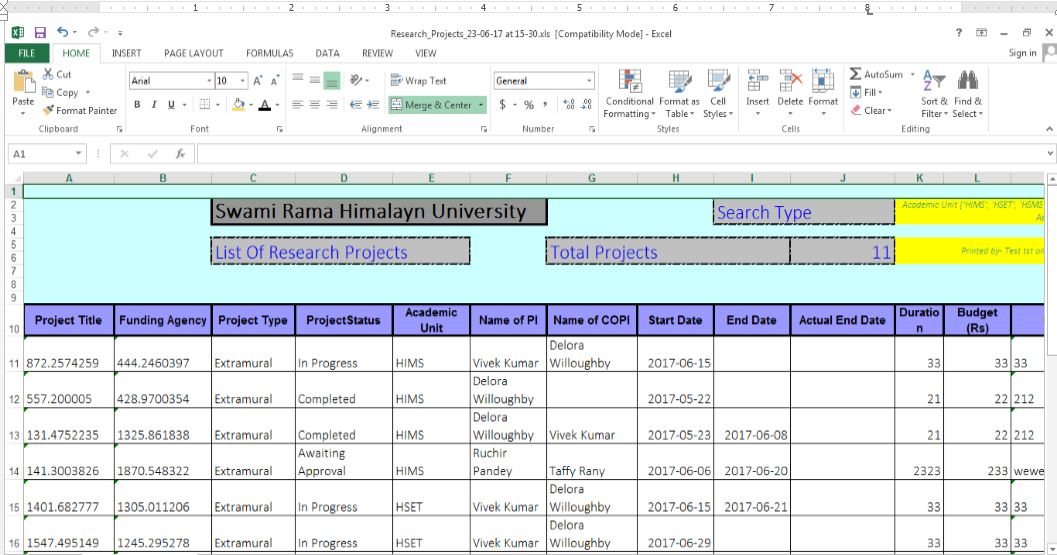
Download Projects
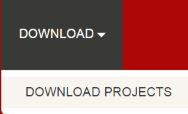
step 1. - click on the DOWNLOAD at the header of application, the drop down menu will open and you have to click on DOWNLOAD PROJECTS
step 2. - So Download page will displayed in which type of project, status and acadmic unit are listed with checkboxes
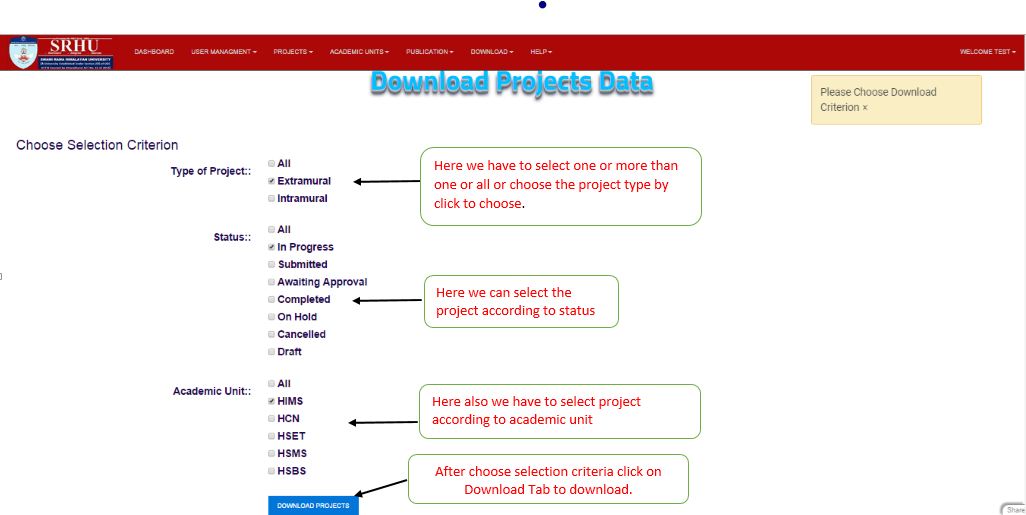
Step 3 - Now select the project and download excel file to click on download project button